
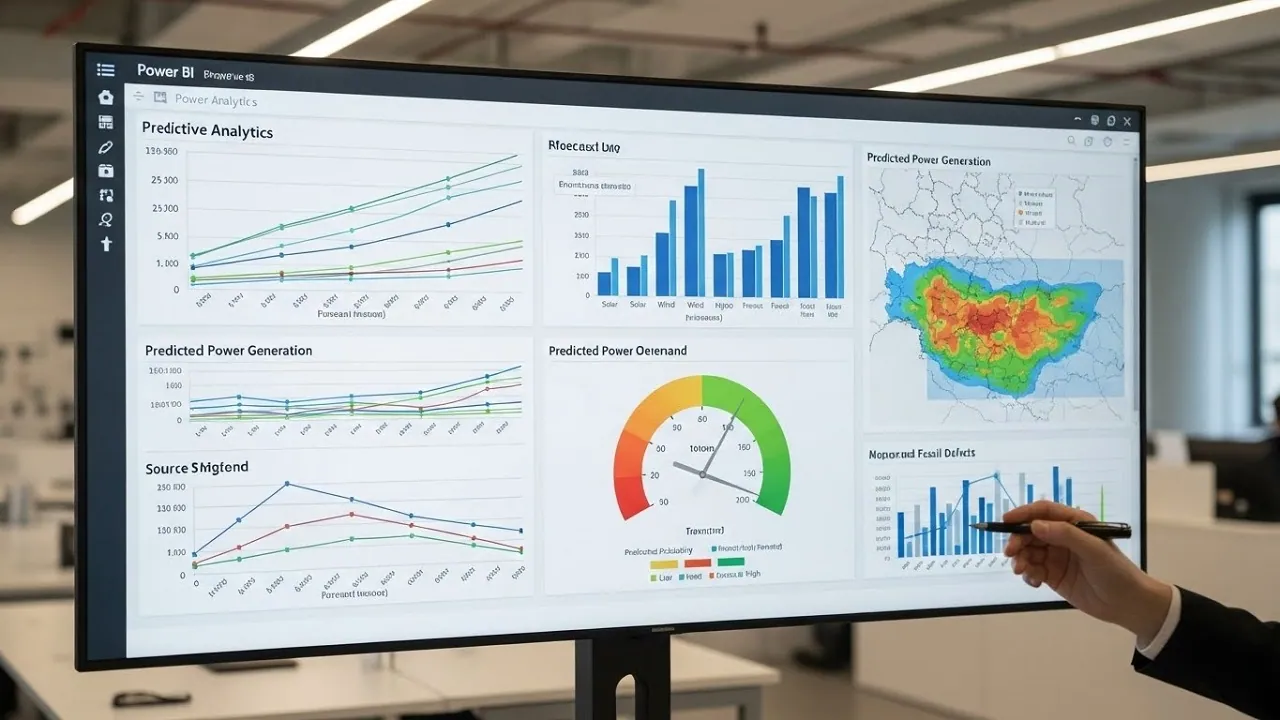
Predictive analytics is no longer limited to data science teams or complex coding environments. With the right setup, Predictive Analytics in Power BI allows analysts and business users to forecast trends, identify patterns, and make forward looking decisions directly inside familiar dashboards. What matters is not just the tools, but how they are applied.
Power BI combines data modelling, visual analytics, and integration with advanced analytics engines. When used correctly, it can move reporting from descriptive insights to predictive decision making.
Understanding Predictive Analytics in Power BI
Predictive analytics focuses on using historical data to estimate future outcomes. In Power BI, this typically involves statistical forecasting, machine learning models, or trend analysis layered onto existing datasets.
Unlike traditional reporting, Predictive Analytics in Power BI answers questions about what is likely to happen next rather than what already happened. This shift changes how organizations plan resources, manage risk, and identify growth opportunities.
What Makes Power BI Suitable for Predictive Analytics
Power BI is well suited for predictive work because it integrates data preparation, modelling, and visualization in one platform. Users can build forecasts without leaving the reporting environment.
The platform also supports integration with external analytics engines such as Python and R. This allows advanced users to embed machine learning outputs directly into dashboards.
Predictive Versus Descriptive Analytics
Descriptive analytics explains past performance using historical data. Predictive analytics extends this by identifying trends and projecting them forward.
Power BI supports both, but predictive analysis requires careful data preparation and an understanding of which techniques are appropriate for the business question.
Preparing Data for Predictive Analytics in Power BI
Accurate predictions depend on high quality data. Before building any predictive model, datasets must be cleaned, structured, and validated.
In Predictive Analytics in Power BI, data preparation often consumes more time than modelling itself. Inconsistent data leads to unreliable forecasts.
Data Cleaning and Transformation
Power Query plays a critical role in preparing data. It allows users to remove duplicates, handle missing values, and standardize formats.
Time series data must be especially clean. Gaps, outliers, or inconsistent time intervals distort predictive results.
Choosing the Right Data Granularity
Predictions are sensitive to how data is aggregated. Daily data produces different patterns than monthly or yearly summaries.
Analysts should align granularity with the forecasting goal. Short term operational forecasting requires finer detail than long term strategic projections.
Using Built in Forecasting Features in Power BI
Power BI includes native forecasting capabilities within line charts. These features are accessible to users without coding experience.
While basic, they provide a practical entry point into Predictive Analytics in Power BI.
Line Chart Forecasting
Power BI can automatically generate forecasts based on historical trends. Users can adjust confidence intervals and forecast length.
This method relies on exponential smoothing models. It works best with stable, seasonal time series data.
Limitations of Native Forecasting
Built in forecasting does not handle complex relationships or multiple variables well. It assumes historical patterns will continue unchanged.
Enhancing Predictive Analytics With DAX
DAX functions allow users to create calculated measures that support predictive logic. While not true machine learning, DAX enables scenario modelling and trend projections.
In Predictive Analytics in Power BI, DAX is often used to simulate future outcomes based on assumptions.
Trend Based Calculations
DAX can calculate moving averages, growth rates, and rolling trends. These measures help visualize directional changes over time.
While not predictive in a strict statistical sense, they support forward looking analysis.
What DAX Cannot Do Alone
DAX is not designed for advanced statistical modelling. It cannot train machine learning models or perform complex regressions.
Its strength lies in business logic rather than predictive algorithms.
Using Python and R for Advanced Predictive Analytics
For more sophisticated predictions, Power BI supports Python and R integration. This allows analysts to embed machine learning models directly into reports.
This approach significantly expands what Predictive Analytics in Power BI can achieve.
Python Integration in Power BI
Python scripts can be used to build regression models, classification algorithms, and time series forecasts. Libraries such as pandas, scikit learn, and stats models are commonly used.
Results can be visualized inside Power BI, combining predictive outputs with interactive dashboards.
R Integration for Statistical Modelling
R is widely used for statistical analysis and forecasting. Power BI supports R scripts for visualization and modelling.
This is particularly useful for users with a statistics background who want precise control over modelling assumptions.
Common Use Cases for Predictive Analytics in Power BI
Predictive analytics in Power BI is applied across many industries. The value comes from aligning models with real business decisions.
Organizations working with DataMaticsLab often focus on use cases where predictive insights directly influence operational or strategic outcomes.
Sales and Revenue Forecasting
Historical sales data can be used to forecast future revenue. Seasonality, growth rates, and market cycles are key inputs.
Accurate forecasts support budgeting, inventory planning, and staffing decisions.
Customer Behavior Prediction
Predictive models help identify churn risk, lifetime value, and purchase likelihood. These insights drive targeted marketing and retention strategies.
Power BI dashboards make these predictions accessible to non-technical stakeholders.
Challenges in Predictive Analytics Using Power BI
Predictive analytics introduces complexity beyond standard reporting. Poor model design or incorrect assumptions can lead to misleading results.
Understanding the limitations of Predictive Analytics in Power BI is as important as understanding its capabilities.
Data Quality and Bias
Predictions reflect the data used to build them. Biased or incomplete data produces biased predictions.
Analysts must continuously validate data sources and model outputs.
Over Reliance on Automation
Automated forecasts are convenient but should not replace critical thinking. Users must understand what the model is doing.
Blind trust in predictive outputs can lead to poor decisions.
Best Practices for Predictive Analytics in Power BI
Effective predictive analytics combines technical skills with business context. Tools alone do not guarantee value.
Teams that succeed with Predictive Analytics in Power BI follow disciplined practices.
Start With Clear Questions
Predictive models should answer specific business questions. Vague objectives lead to unfocused analysis.
Defining success criteria upfront improves model relevance.
Validate and Monitor Predictions
Predictions should be tested against actual outcomes. Regular monitoring helps identify model drift or changing patterns.
Continuous improvement is essential for long term accuracy.
Frequently Asked Questions About Predictive Analytics in Power BI
Can Power BI Do Predictive Analytics?
Yes, Power BI supports predictive analytics through built in forecasting, DAX calculations, and integration with Python and R.
Is Coding Required for Predictive Analytics in Power BI?
Basic forecasting does not require coding, but advanced predictive models require Python or R.
What Data Is Best for Predictive Analytics?
Clean, consistent historical data with sufficient volume produces the most reliable predictions.
How Accurate Are Power BI Forecasts?
Accuracy depends on data quality, model choice, and how stable underlying patterns are.
Can Power BI Replace Data Science Tools?
No, but it complements them by making predictive insights accessible through dashboards.
Is Power BI Suitable for Machine Learning?
It supports machine learning integration but is not a replacement for full ML platforms.
Who Should Use Predictive Analytics in Power BI?
Analysts, business users, and decision makers who need forward looking insights in a visual format.